
Photo Calorie Counter
A photo calorie counter estimates the calories and macros in a meal from a picture. In PlateScan you snap your plate, get an estimate usually within seconds, check each portion, then log it. A photo can't show hidden oil or food underneath, so the app may ask up to 4 quick, skippable questions when an answer could change the total.
By Ali Maclean, performance coach · Updated October 3, 2026
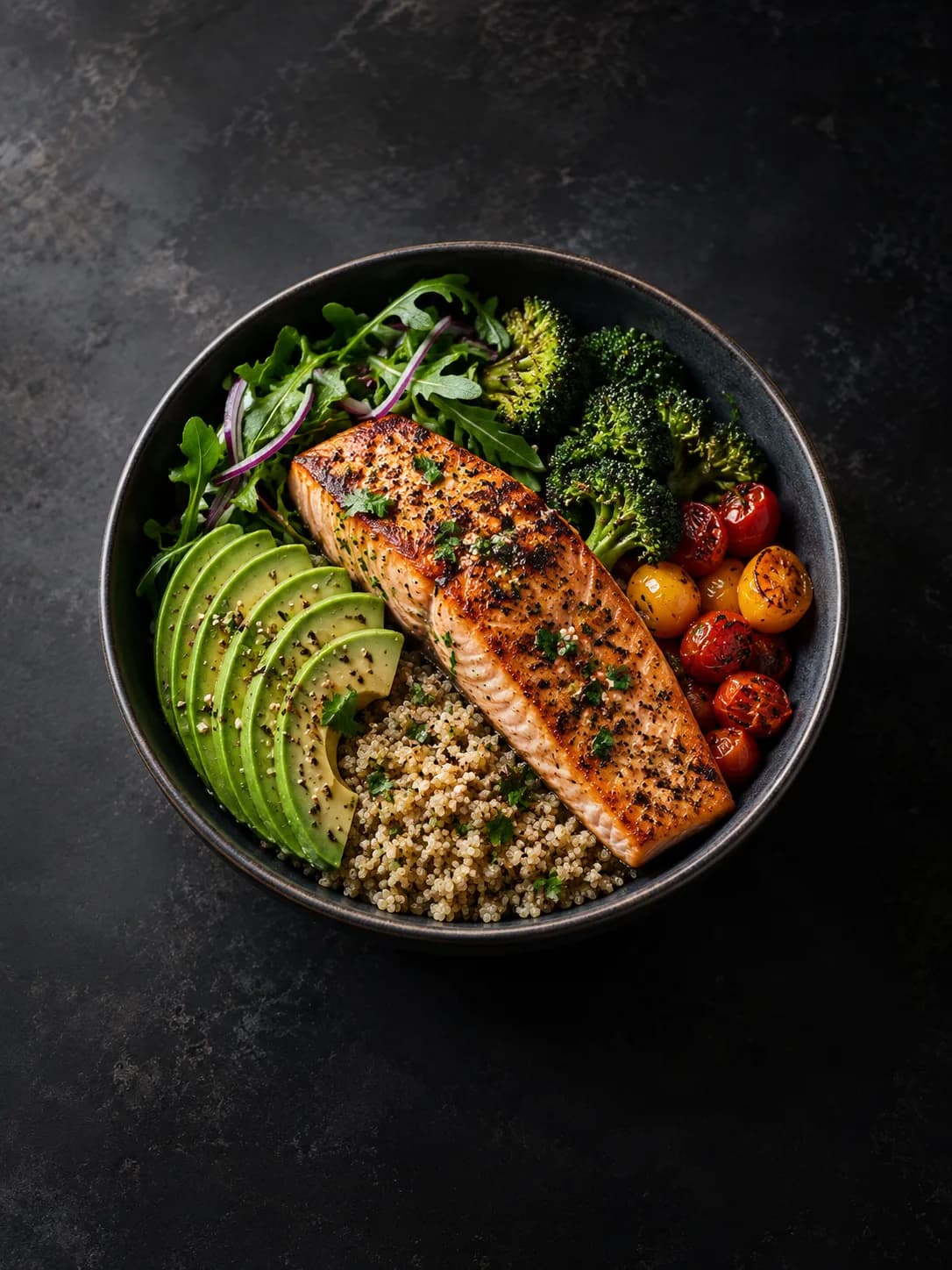
How PlateScan's photo calorie counter works
Tap the plus button, choose Scan meal, and take a picture of your plate. You can also pick a photo you already took from your library. Both run the same analysis.
An AI model looks at the photo and names each food on the plate. It counts items, then judges each portion in grams from scale cues such as the plate, cutlery, packaging or your hand. The review shows each ingredient with its grams and calories, plus the meal's total protein, carbs and fat. After you log it, each ingredient shows its own macros too.
Each food is then matched to a USDA FoodData Central entry where a good match exists. From that point, changing a portion recalculates from a fixed value per 100 g, so the numbers stay consistent as you edit. If the app can't spot food in the photo, it says so and suggests a retake with the food filling more of the frame.
Nothing is logged on its own. The result opens on a review screen with a confidence label: High confidence, Medium (check portions), or Low (please review). The meal only goes into your day when you tap Add to log.
Reviewing the estimate: portions, hidden oil and what is underneath
The review screen lists every detected food with its grams. Tap plus or minus to move a portion in 10 g steps, or remove an item the scan got wrong. Amounts the app estimated show a "~" so you can see which numbers came from the photo.
Some details change the total a lot and are invisible in a picture. PlateScan asks about them one question at a time, up to 4 per meal and biggest impact first, and only when the answer could move the meal by about 60 kcal or more. It may ask "Anything underneath?" when rice, pasta or potatoes could be hidden under a curry. It may ask "Roughly how much chicken?" with gram options taken from the range it saw.
For fried, creamy or restaurant dishes it asks "Any oil, butter or sauce?" with four answers: None, A little, ~1 tbsp, or 2+ tbsp. When two foods look alike, such as ground chicken and ground turkey, it asks which one it is. You can skip any question.
You can also type a fix in plain words, like "600 g chicken", "there's rice underneath", "no sauce" or "it was turkey not chicken". The app turns that into a specific change to the meal, then recalculates.
Branded drinks get their own path. When the AI recognizes a can or bottle but can't put reliable numbers on it, PlateScan doesn't log a guess. It searches food databases, such as FatSecret, Open Food Facts and USDA FoodData Central, for the product by name and shows it in ml, sized to the container where it can. If several products could match, you pick the right one. If none can be confirmed, it offers to scan the nutrition label or the barcode, or to enter the numbers yourself.
How accurate is a photo calorie estimate?
Naming the food is the easy part. Judging how much is on the plate is harder, because one photo can't show the depth of a bowl or oil soaked into rice. A 2025 study gave ChatGPT-4 photos of 38 meals, each at three portion sizes, for 114 photos in total. Of the foods it named, 93% were really there, though it missed about 15% of the foods present. It handled small portions well. It underestimated the weight in 87 of the 114 photos, and it was weakest on medium and large meals.
That study tested a general chatbot, not PlateScan. The lesson still applies to any food scanner app: the portion is where estimates drift. That is why PlateScan shows grams for every item and asks about portions when it is unsure. People face the same limit. A 2021 study asked 40 adults to judge portions from food images. Single-unit foods like bread slices were easier to get right than shapeless foods like yogurt or scrambled eggs. Liquids were the hardest.
A few habits help. Shoot before you eat, in good light, with the whole plate in frame and a fork or your hand beside it. Spread foods out so nothing is stacked. For packaged food, the barcode scanner is usually more accurate than a photo because it pulls the product's label data. It can also handle dry vs cooked weights for dried pasta, rice, couscous and quinoa.
Treat every result as an estimate, then judge your plan by the trend over a few weeks. PlateScan's weekly check-in looks back at your last 7 days of logs, asks what got in the way and suggests one practical focus for the week ahead. Real progress varies from person to person.
Privacy, targets and availability
Meal photos are sent to OpenAI, PlateScan's AI provider, only to produce your result, and the app asks for your consent the first time. Photos are never stored on PlateScan's servers. The photo of each meal you log stays only on your phone, as its thumbnail in your log, and the nutrition results are saved to your account. Your data is never sold or used for advertising.
Your daily calorie target starts from a Mifflin-St Jeor estimate and your weekly workouts. If you agree to AI personalization, an AI model tailors the plan, and you can recalculate or edit your targets in Personal details at any time. PlateScan never suggests a target below your estimated resting energy use, or below 1,500 kcal for men and 1,200 kcal for women. If you are 18 or older, you can set a lower target yourself after confirming a warning, but not below 1,000 kcal for women or 1,200 kcal for men. PlateScan is for people 13 and older. If you have a medical condition, are pregnant, or have a history of disordered eating, see a doctor or registered dietitian first.
No photo handy? Describe the meal in text or by voice, or tell the AI Coach what you ate and confirm the meals it puts together before anything is logged. PlateScan is coming soon to iPhone and Android. Photo scan is part of PlateScan Premium, which starts with a 14-day free trial, then $9.99 a month or $49.99 a year in the US.
Questions
Can you really count calories from a photo?
You can get a useful estimate. The photo shows which foods are there and roughly how much, and nutrition databases supply the calories per gram. What a photo misses is hidden fat, food under other food, and exact weight. PlateScan asks about those when they matter and lets you adjust every portion before you log.
How accurate is a photo calorie counter?
It depends most on the portion. Clear single items, like a banana or two slices of toast, are easier to judge than a deep bowl of pasta in sauce. A 2025 study of ChatGPT-4 photo estimates found foods were usually named correctly, while medium and large portions were often underestimated. Check the grams on the review screen, and use the barcode or label scan for packaged food.
Does the food scanner work on drinks and packaged snacks?
Drinks, yes. Say the AI recognizes a branded can or bottle but can't put reliable numbers on it. PlateScan then looks the product up in food databases instead of guessing. If it can't confirm the product, it suggests scanning the label or barcode, or entering the numbers by hand. For packaged snacks, the barcode or label scan gives the most reliable numbers.
Is PlateScan a food scanner app that grades ingredients?
No. Some food scanner apps rate products on ingredients or additives. PlateScan's scanners are for tracking what you eat. Photo, barcode and label scans each estimate calories, protein, carbs and fat, so you can log them against your daily target.
Is the photo calorie counter free?
Photo scan is part of PlateScan Premium, and there is no free plan. Premium starts with a 14-day free trial, then costs $9.99 a month or $49.99 a year in the US, or your local App Store price elsewhere. PlateScan is coming soon to iPhone and Android.
What happens to my food photos?
They are sent to PlateScan's AI provider, OpenAI, only to analyze the meal, and the app asks for your consent before the first time. Photos are never stored on PlateScan's servers. The photo of each meal you log stays on your phone as its thumbnail. The nutrition results are saved to your account, and you can delete your account and data in Settings.
Can I scan a photo I took earlier?
Yes. Choose Library from the logging menu or the camera and pick the photo. It gets the same analysis and review screen as a live shot. A photo taken before you started eating gives a fuller estimate, since the whole portion is still on the plate.
Sources
- An Evaluation of ChatGPT for Nutrient Content Estimation from Meal Photographs (O'Hara et al., 2025). Nutrients. Accessed October 3, 2026.
- The accuracy of portion size estimation using food images and textual descriptions of portion sizes: an evaluation study (Lucassen et al., 2021). Journal of Human Nutrition and Dietetics. Accessed October 3, 2026.
- FoodData Central. U.S. Department of Agriculture, Agricultural Research Service. Accessed October 3, 2026.
- Discover Open Food Facts. Open Food Facts. Accessed October 3, 2026.
- Privacy Policy. PlateScan. Accessed October 3, 2026.
More PlateScan features
- Barcode Calorie ScannerScan a barcode to estimate calories and macros in packaged food.
- Food Label Scanner AppA food label scanner app that reads Nutrition Facts from a photo, flags unclear values and lets you edit before logging.
- AI Nutrition CoachTell PlateScan's AI nutrition coach what you ate, by text or voice.
Coming soon to iPhone and Android
Snap a meal, review the estimate, log it, and get feedback on your week. 14 days free.
Coming soon to iPhone and Android, with 14 days free.